KillProcess 4.3Event Log
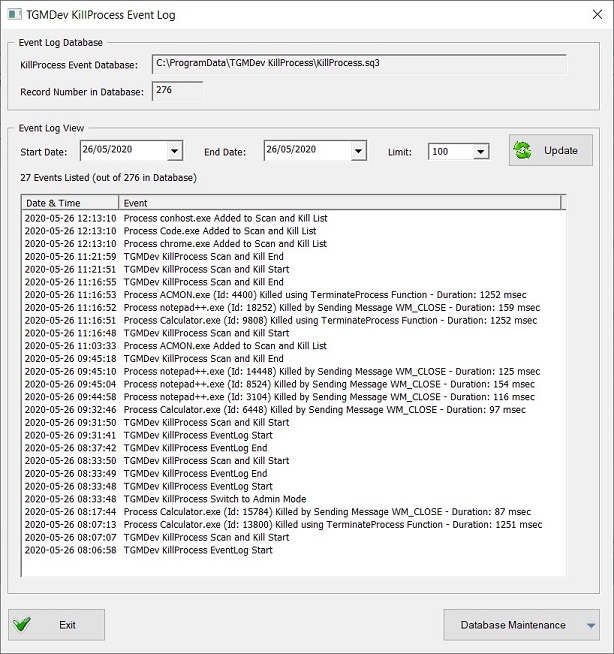
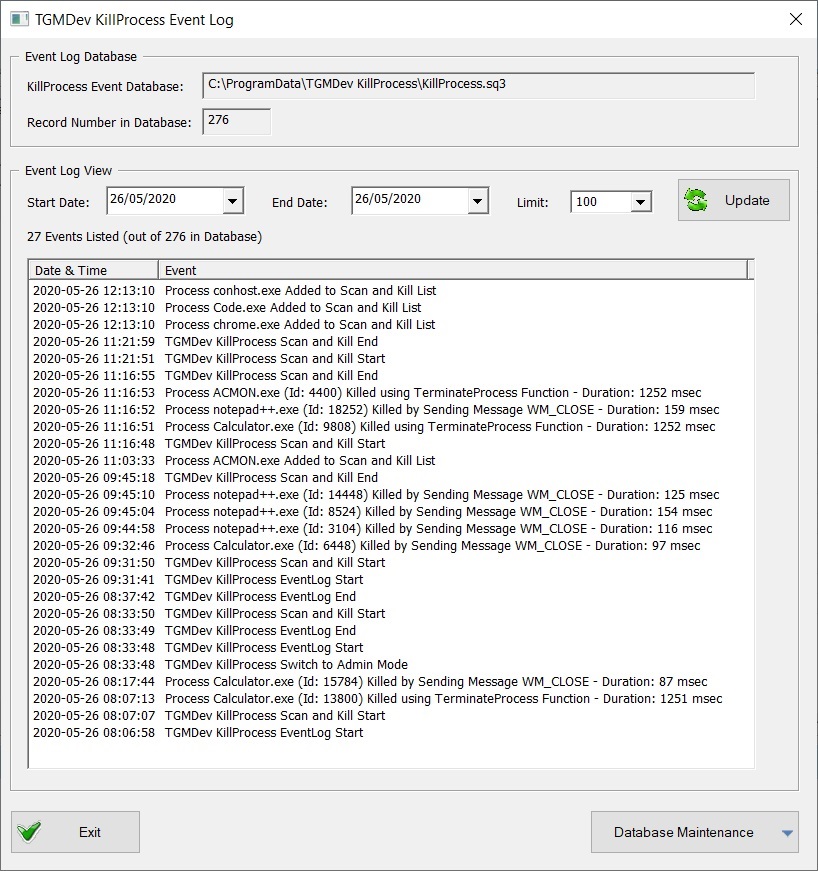
KillProcess 4.3 stores the different events in the Killprocess Database (SQLite Database called KillProcess.sq3).
Typically, the SQLite database keeps track of the different application events:
- Application start and stop
- Scan and Kill Loading and Saving
- Application Kill using the WM_CLOSE message
- Application Kill using he TerminateProcess function
- Scan and Kill Start and Stop
- Database Maintenance (record deletion, database compression, ..)
Event Loggins is available from the Button 'View Event Log' of the Category 'View' of the Application Ribbon.


The Event Log dialog shows the different events since the first use of KillProcess 4.3 (or the latest records available if some database maintenance have been done .. See Database Maintenance
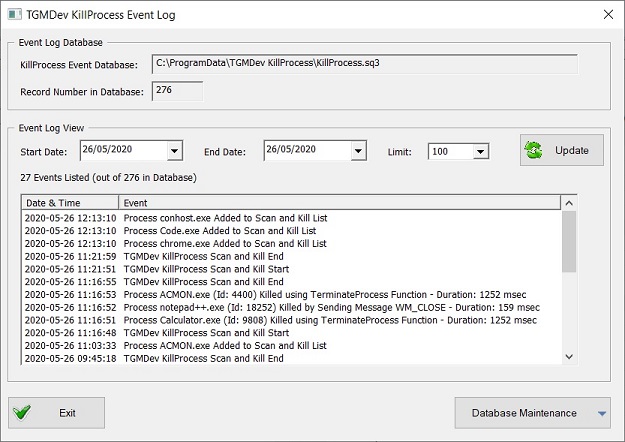
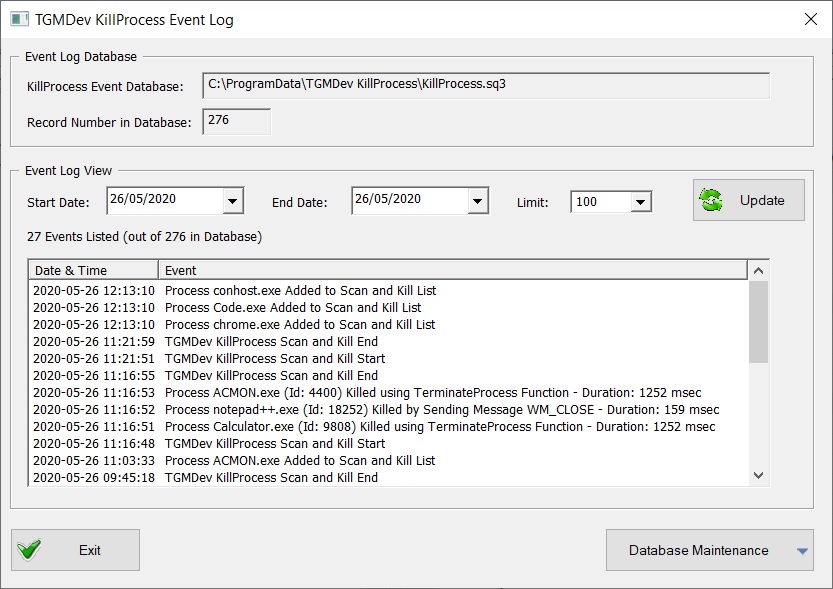
The query for events can be modified by using the Start and End Date. The query is triggered by clicking on the button 'Update'
For easier review, the dialog box can be extended using the mouse in standard Windows way.